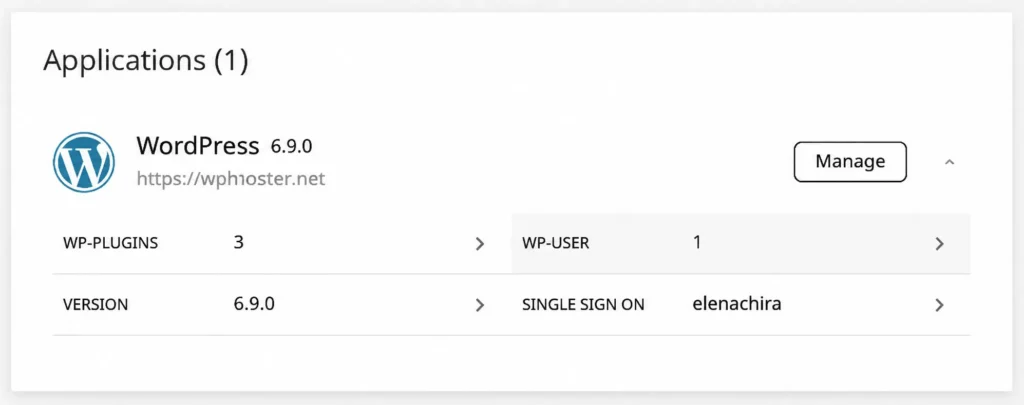
WordPress toolkit
Install, clone or manage every WordPress site from one dashboard, with themes, plugins and users in one place.
Built around how people actually run sites in 2026: task-oriented, collaborative and personal. Everything you reach for in a single window. Nothing you don't.
Files, databases, DNS, SSL and backups without the click-tax.
Scoped access, staging, SSH and WP-CLI, real cron jobs.
Responsive on mobile, dark mode, multiple languages.
Most "control panels" are still organized around daemons and processes (Apache, BIND, MySQL) rather than the work a site owner actually does. Routine tasks take six clicks and a tab in the documentation. We rebuilt the panel around the job instead of the daemon.
Install, clone or manage every WordPress site from one dashboard, with themes, plugins and users in one place.
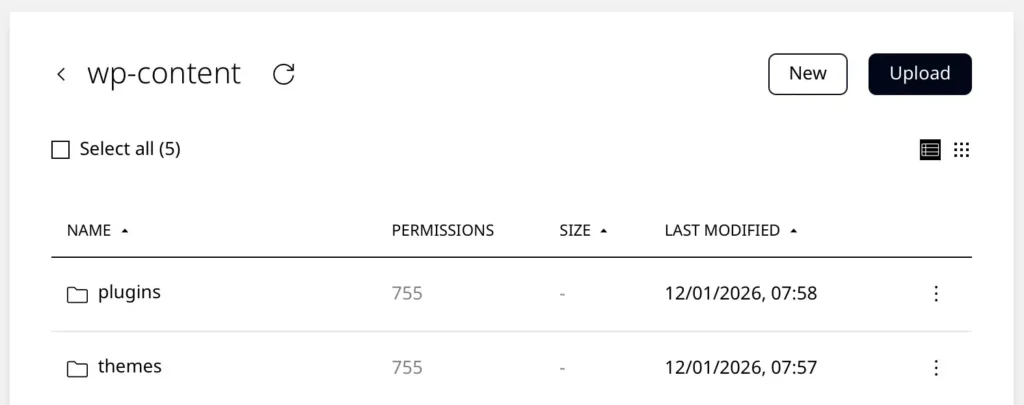
Work on files right in the browser with a clean interface for uploads, edits and deletes across folders.
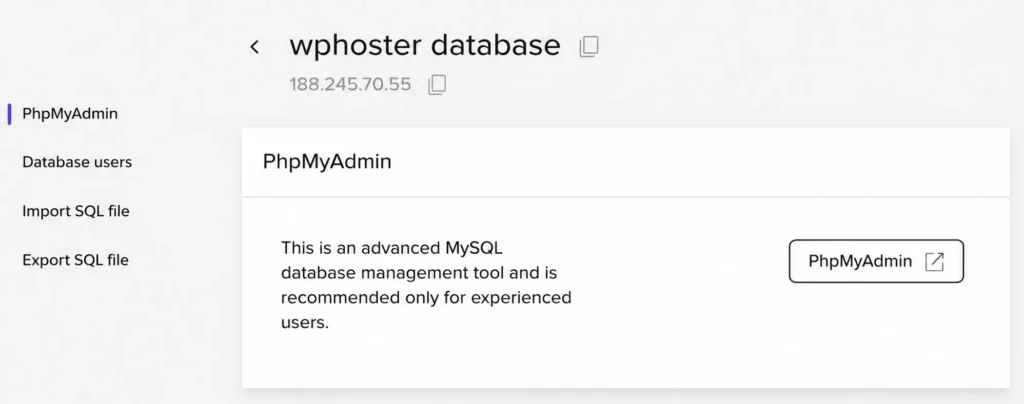
Reach your databases through a simple graphical layer. Imports, exports and optimisation are each one click.
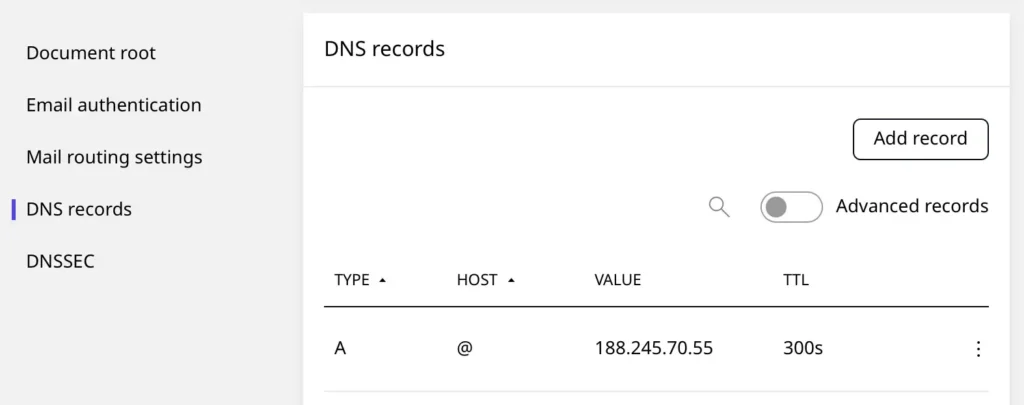
Manage your domain's records right inside the panel. Changes go live in seconds, with no dashboard delays.
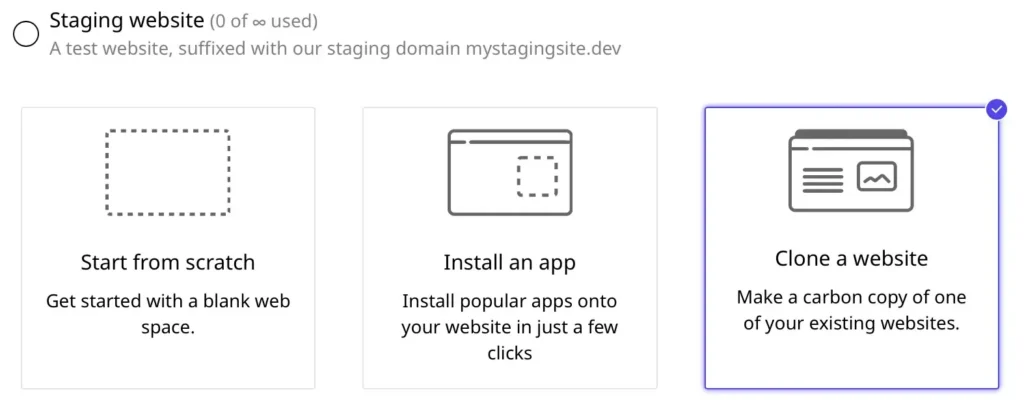
Spin up a full staging environment in under a minute. Test updates on a mirror, then push to live with one click.
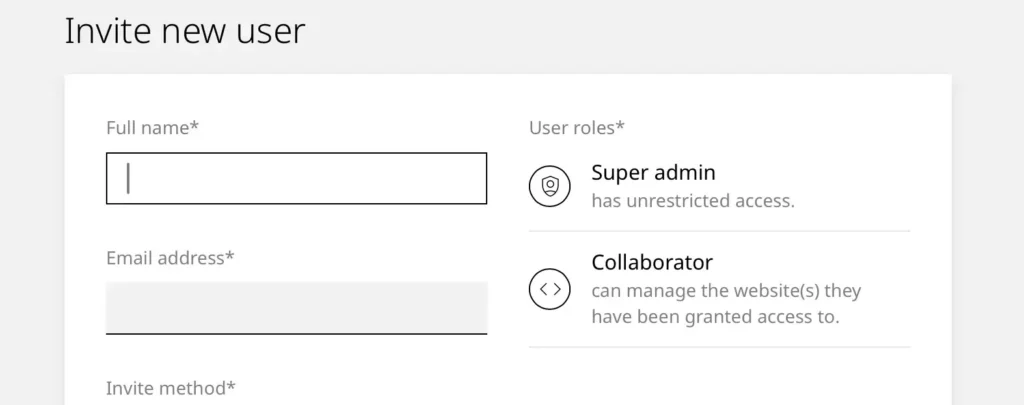
Invite teammates or clients to collaborate on specific sites. Assign granular permissions without sharing your login.
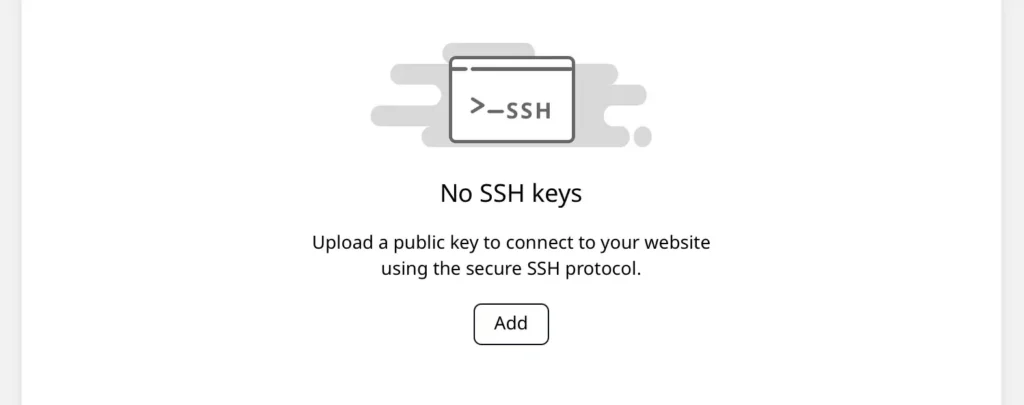
Connect securely with SSH keys for passwordless authentication, advanced control and access to WP-CLI.
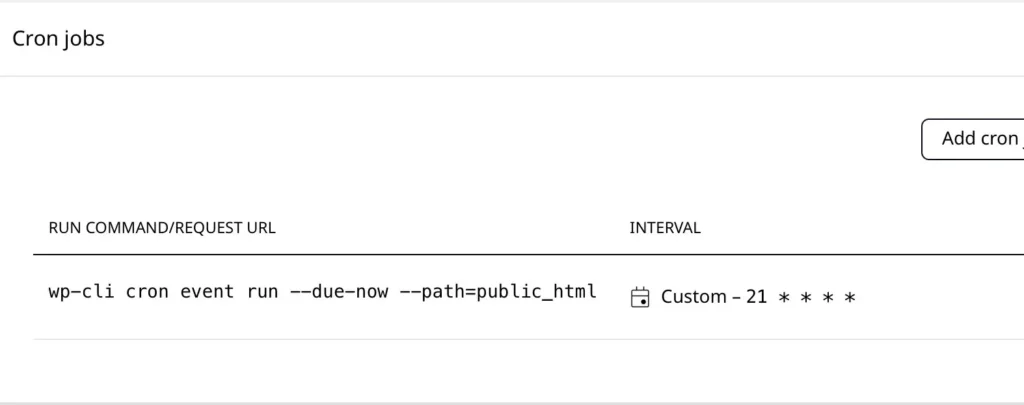
Schedule scripts and commands to run at any interval and automate the repetitive parts of running a site.
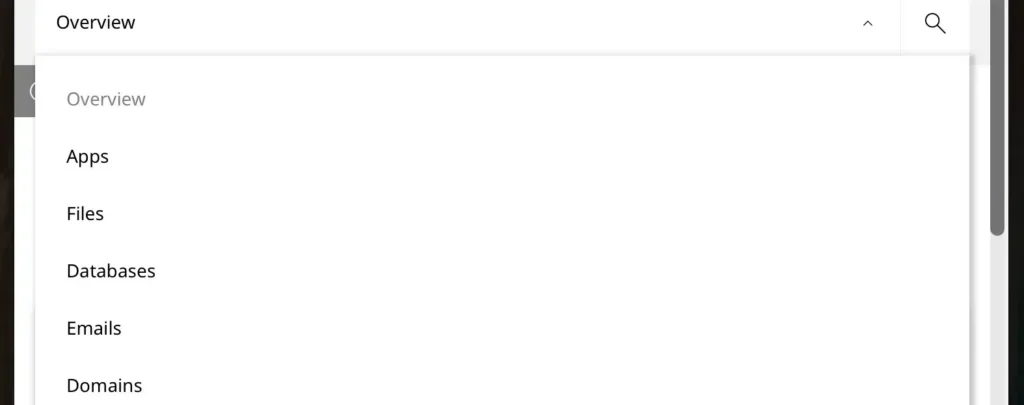
Manage your sites from desktop, tablet or phone. The interface adapts to whatever screen you're on.
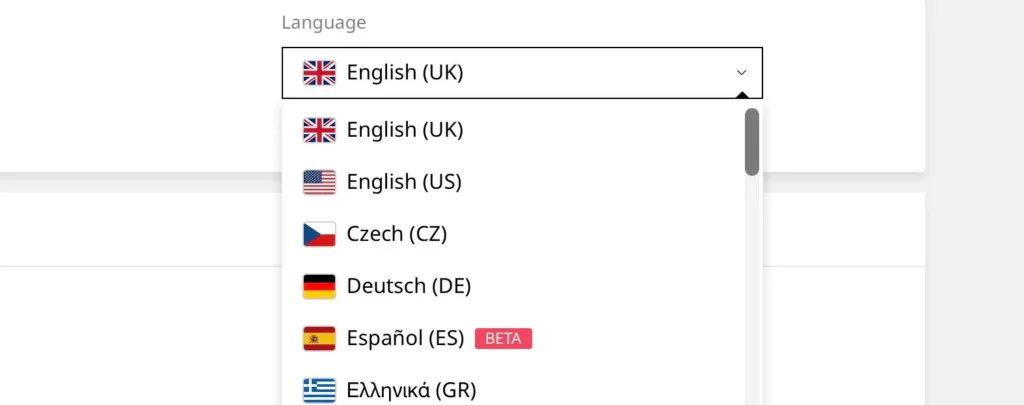
Switch the panel to your preferred language. Each user picks independently, which helps when an agency and its client speak different ones.
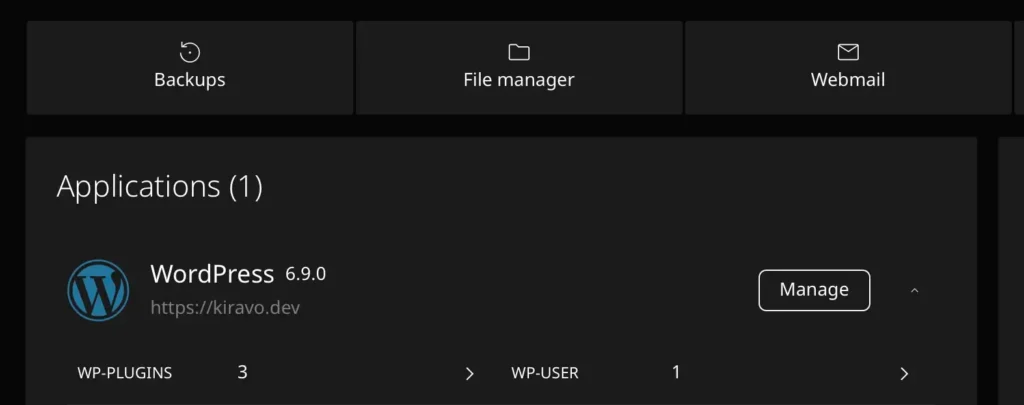
Turn on a dark theme to reduce eye strain and stay focused, especially during late-night sessions.
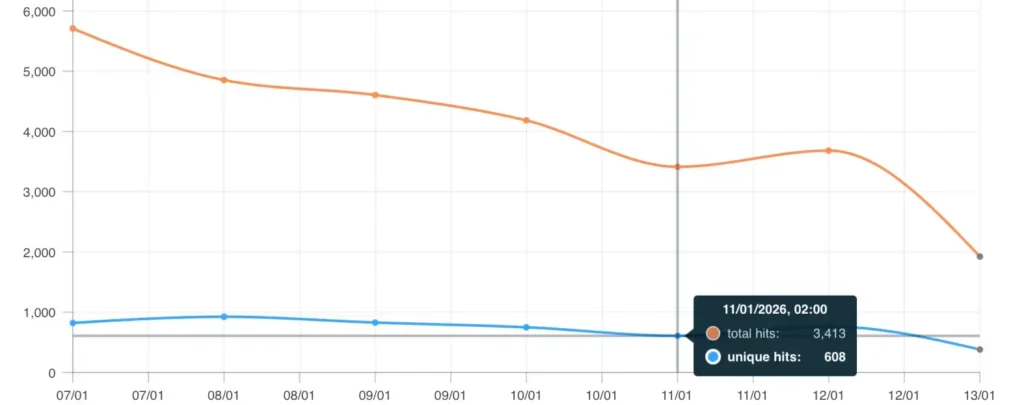
Monitor activity with clear reports on visitors, hits and bandwidth usage, right inside the dashboard.
We didn't bolt features on top of a 1998 panel. We started from how site owners and agencies work today, and let those four ideas drive every layout decision.
Navigation is organized by what you're trying to do ("deploy a site", "restore a backup", "rotate a key"), not by which background service handles it. Most jobs are one or two clicks deep.
Every screen is designed for a phone first, then scaled up. Tap targets, dialogs, and tables all collapse cleanly. If something doesn't work on a 5" display, we treat it as a bug.
Owners, collaborators and clients each see a panel scoped to their permissions. You can grant access to one site without exposing the rest of your account, billing, or DNS.
Every string is translatable. Dark mode is a first-class theme with proper contrast and a real palette, not an inverted CSS hack. Both are user preferences, not account-wide settings.
If your question isn't here, the support team is one chat away, and engineers, not bots, write the replies.
We'll send you a guest login to a fully provisioned panel. No signup, no credit card. Click around and break things if you want.